









Unified Collaboration with Microsoft Teams
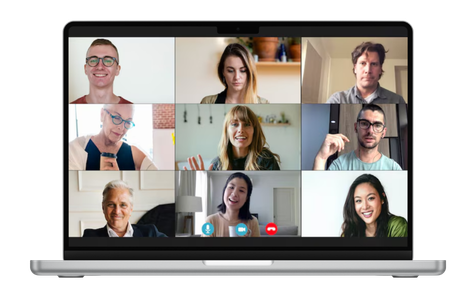
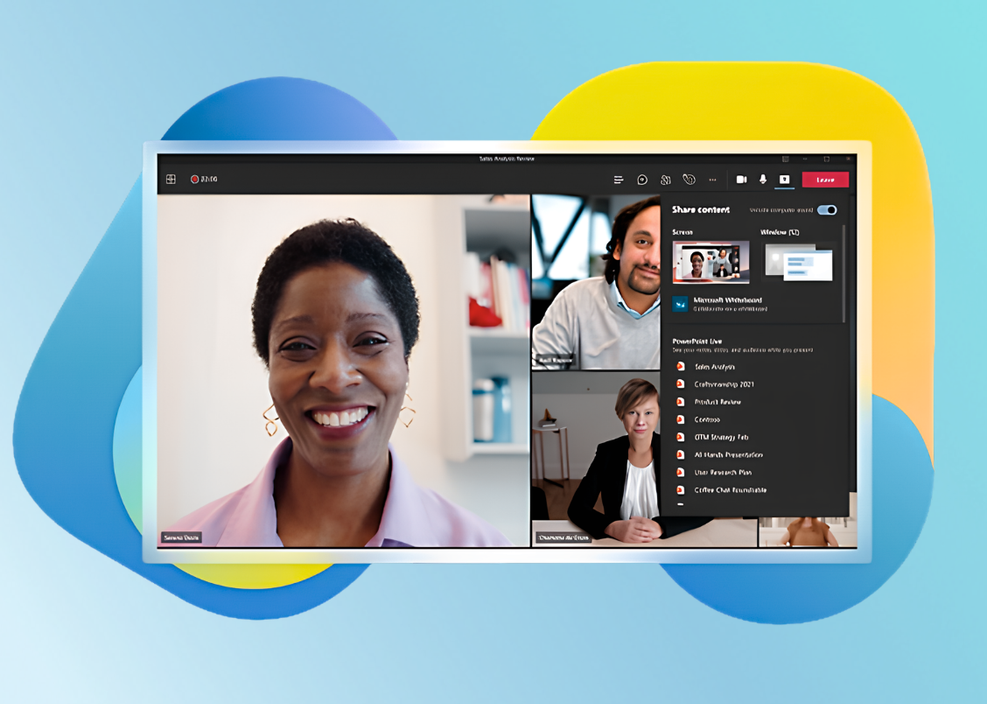
Bringing teams together for hybrid work so that you feel seen and heard no matter where you are.
Benefits of Managed IT services
Total Consolidation
Stop switching between apps. Combine your business phone, video meetings, file sharing, and team chat into one unified platform.
External Calling (PSTN)
Break the internal bubble. Enable your team to make and receive calls to landlines, mobile phones, and clients globally directly from the Teams dial pad.
Fully Managed Setup
We handle the backend complexity. Kloud 7 manages the integration, security, and licensing configuration so you get a "plug and play" experience.
Why Integrate Voice with Microsoft Teams?
Microsoft Teams is excellent for internal collaboration, but Kloud 7 transforms it into a complete external communication hub. By integrating Kloud 7’s robust Cloud PBX with Teams, we give your staff the ability to make real phone calls without leaving the Microsoft ecosystem.
- Seamless Hybrid Mobility
- Secure and Scalable Growth
- Dedicated Expert Support
Unified Communication Without Boundaries
Hybrid & Remote Workforces
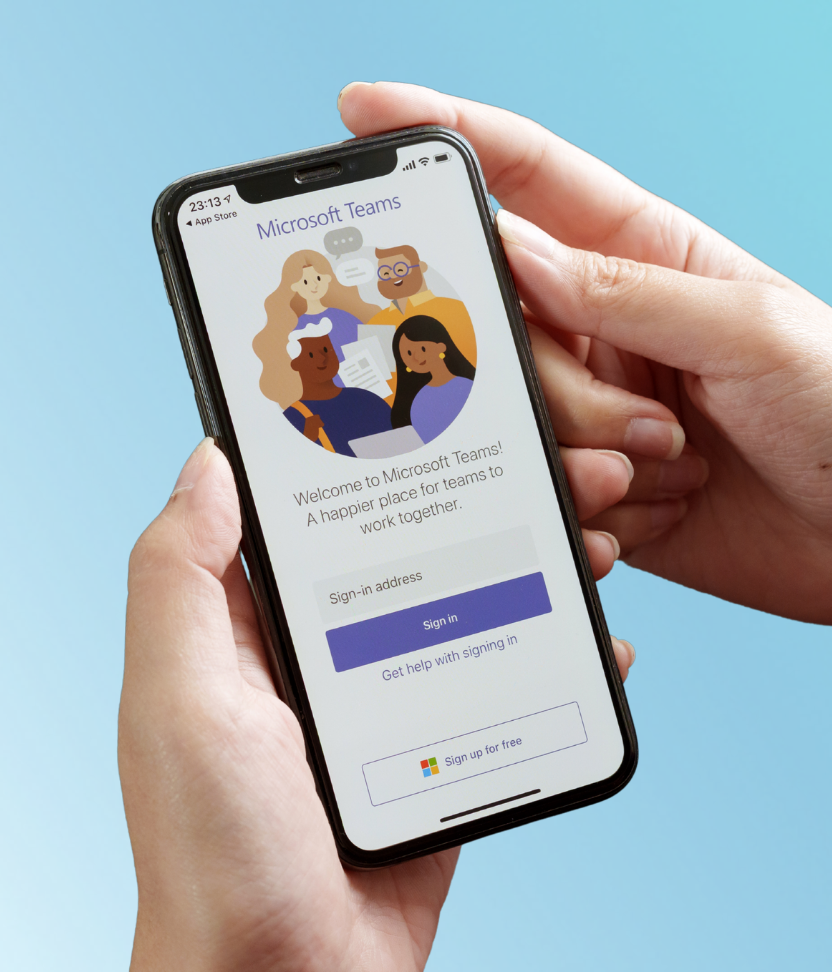
Work from anywhere. Your team feels seen and heard regardless of location. They can answer the office line from the Teams mobile app just as easily as from a desktop.
Enterprise Security Needs
Collaborate securely. We enforce strong encryption and secure access controls, ensuring every call and file shared within Teams meets enterprise compliance standards.
App-Overloaded Teams
Simplify your stack. Reduce "toggle fatigue" by removing the need for a separate softphone app. Chat, file share, and call from one interface.
Customer-Facing Roles
Connect reliably. Give your sales and support staff professional PBX features, like call transfers and voicemail, inside the tool they already use all day.
How Microsoft Team Integration Works
OUR 3-STEP PROCESS
How Kloud 7 helps?
Calling, Meeting, and Sharing, Perfected
Professional Voice Features
- Seamlessly connect Kloud 7 voice services to Teams.
- Hold, transfer, and park calls with ease.
- Access messages directly within your Teams inbox.
Rock-Solid Reliability
- 24/7 monitoring ensures your phone system never goes dark.
- Crystal-clear voice quality for both VoIP and PSTN calls.
- Easily add users as your company grows.
Full-Service Management
- We configure the Microsoft tenant and phone system settings.
- Dedicated U.S.-based team to troubleshoot any issues.
- Use headsets, desk phones, or mobile devices., ensuring flexibility
Smarter Work with One Platform

The Streamlined Office
Remove physical desk phones. Save money on hardware by turning every laptop and smartphone into a fully functional business extension via the Teams app.

The Collaborative Project
Move faster. Jump from a group chat about a project directly into a voice call with a client, sharing files in real time without ever hanging up or switching screens.
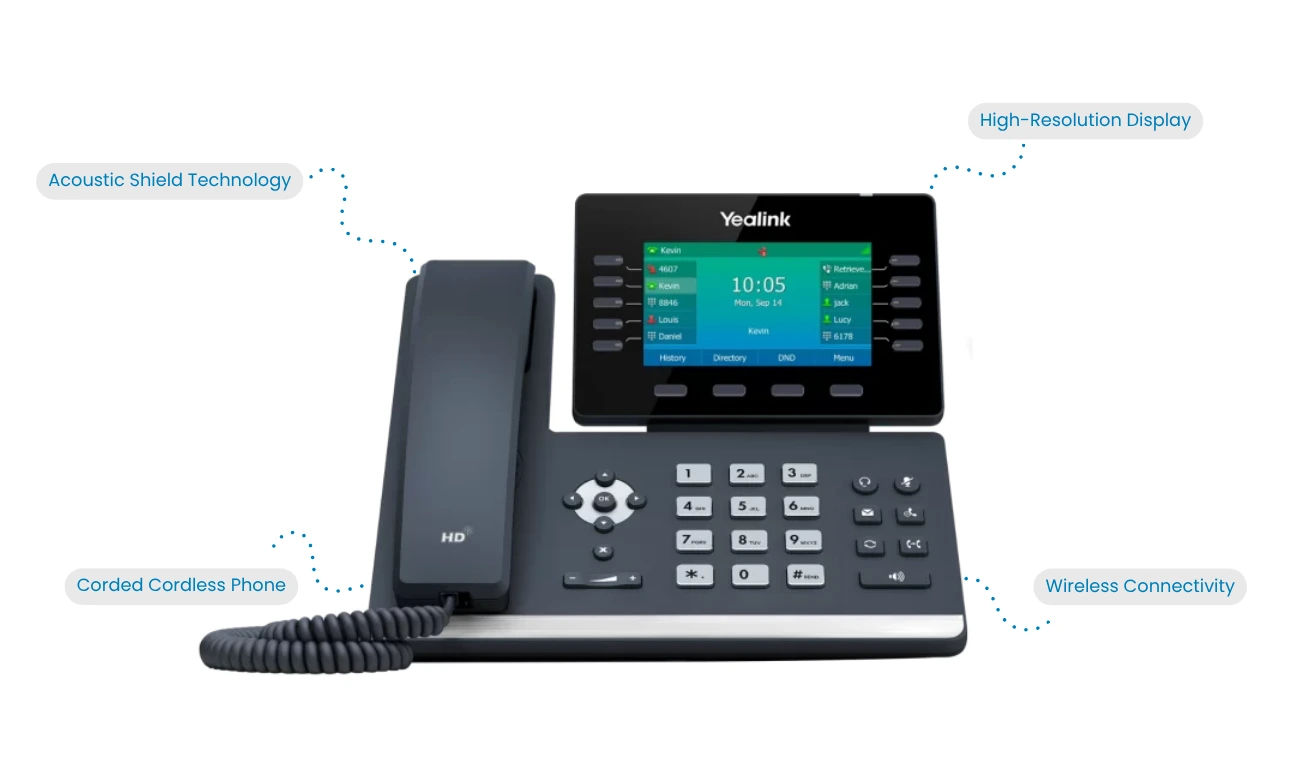
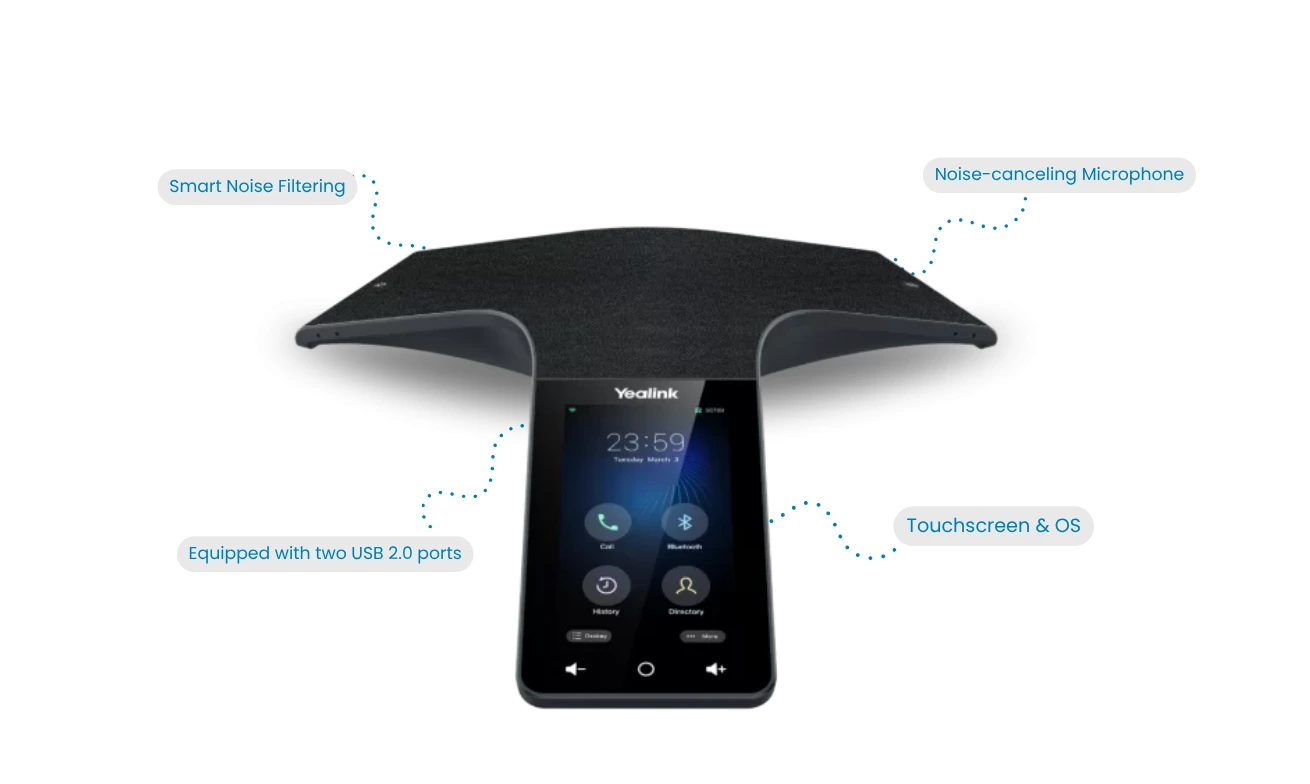
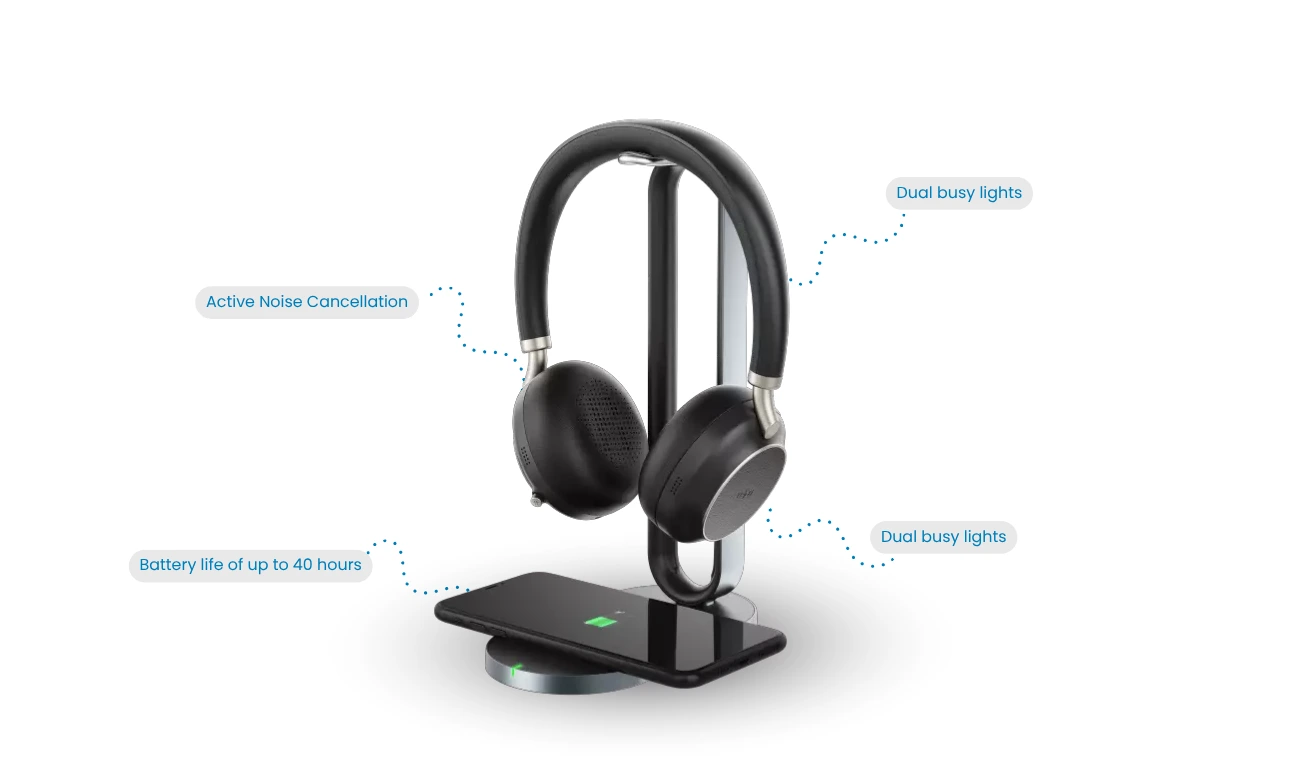
A wide range of devices for everyone!
Pricing
Choose a plan that fits your business and budgets. No hidden fees, no surprises!
Essential
$24.95
A basic set of calling features to address the needs of common area phones.
Key Features
- Core Calling (Audio/Video)
- Conference Calling
- Hold/Transfer/Forward
- Standard Voicemail
Professional
$29.95
A basic set of calling features to address the needs of common area phones.
Everything in Essential Plus
- Visual Voicemail & Email Integration
- Call History & Contact Management
- Screen & Application Sharing
- Call Recording
- Call Queue Management
Advanced
$31.95
A basic set of calling features to address the needs of common area phones.
Everything in Professional Plus
- Single Number Reach
- Group Call Park & Pickup
- Availability & DND Status
Enterprise
$39.95
A basic set of calling features to address the needs of common area phones.
Everything in Advanced Plus
- Space Moderator Controls
- Advanced Notification Customization
Ready to Transform Your Communication System?
FAQ'S
Yes. With Kloud 7 integration, you can use the Teams dial pad to call any landline or mobile phone number in the world (PSTN calling).
Generally, yes. You typically need a Phone System license (add on to E3 or included in E5). We help you audit your licenses to ensure you have what you need.
It can. Most users switch to a headset and the Teams app, but we also support physical "Teams certified" desk phones if you prefer hardware.
Absolutely. We prioritize voice traffic to ensure that your calls are clear and stable, backed by our SLA guaranteed performance.